This Midjourney tutorial for beginners follows the web creation workflow. Discord is an available route, not the only way to begin. Account access, generation limits, and controls depend on current product settings and your plan.
1. Open the official service
Use midjourney.com, sign in, and check your account and plan before starting. Do not assume a permanent free trial or a particular generation allowance. Review whether your work will be public before uploading private material.
2. Write a simple first prompt
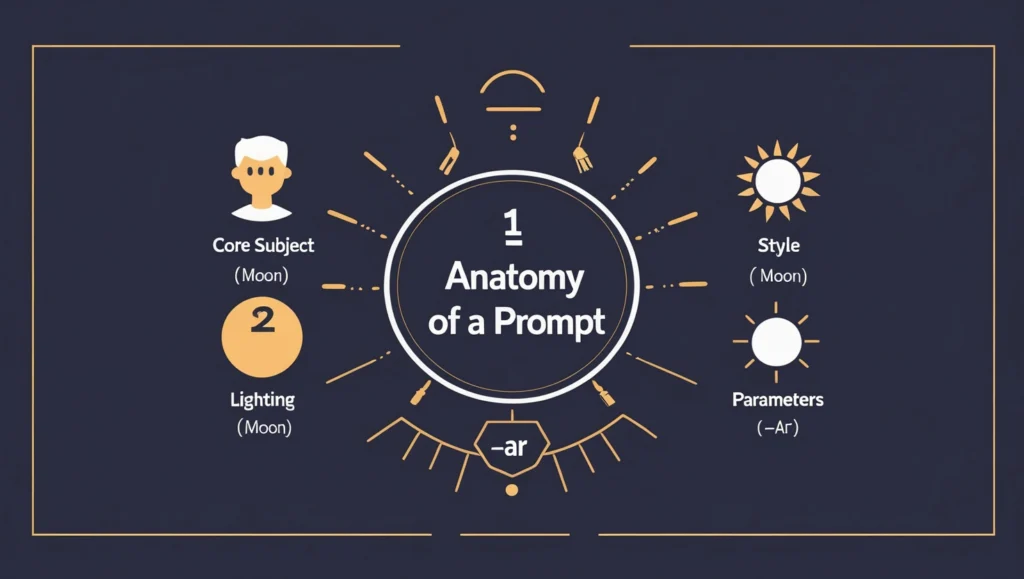
A small ceramic bowl on a pale wooden table, soft window light, minimal background, realistic product photographEnter a description in the Imagine bar on the Create page and submit it. Start with the subject, medium, and composition. More words are not automatically better. The example is a proposed prompt, not a sample of tested output.
3. Review the result
Check the subject, object geometry, text, composition, and intended use. A plausible image can contain inaccurate details. Generation time and the available controls vary; do not expect a fixed grid or promise a result in a particular number of seconds.
4. Revise one important feature
Use the current variation, editing, or other controls offered for the selected image. If the framing is wrong, change that requirement; if the subject is wrong, revise the description. Labels and behavior can differ by model and interface. Follow the current documentation instead of assuming old Discord U/V instructions apply everywhere.
5. Export and inspect the final asset
Download the selected output using the available controls. Inspect the actual dimensions and file, especially text and fine details. An aspect ratio is not a resolution setting. Check the applicable terms and suitability for the project before use.
Learn prompt design separately
The Midjourney prompt guide covers subjects, composition, and reference images. The creative workflow guide covers selection and review. Keep notes on the settings and revisions that produced a usable asset.
Sources and editorial approach
Midjourney getting started, web creation, and prompt basics. Reviewed November 4, 2026. Examples and prompts are proposed editorial templates, not first-hand tests or measured performance results.




One Comment
Comments are closed.