For AI image generation with Midjourney, describe the subject and visual choices that matter, then inspect the result and revise. This guide focuses on prompt design; use the beginner tutorial for account and web-interface steps.
Define the image’s job
Choose the intended placement, subject, mood, and essential details. Separate required accuracy from optional aesthetics. If the image represents a real product, provide permitted reference material and inspect whether the output preserves it.
Use concrete visual descriptions
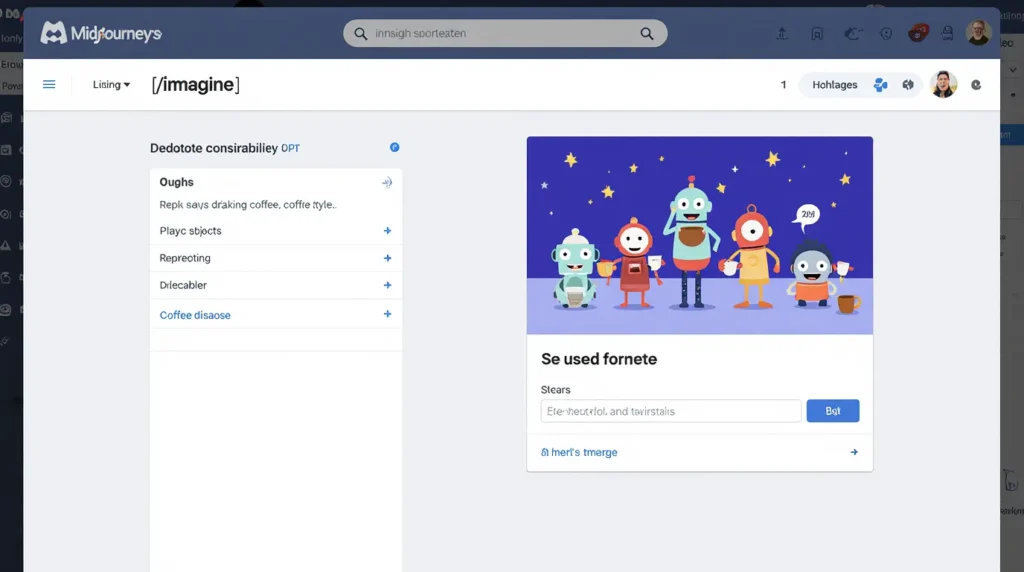
A white ceramic bowl containing a smooth dip, cucumber and carrot sticks beside it, overhead food photograph, soft daylight, cream tabletop, uncluttered compositionSpecify what can be seen: subject, medium, viewpoint, lighting, and background. Words such as “8K” or “professional” do not guarantee actual resolution or suitability. Remove details that conflict or distract from the requirement.
Set the framing deliberately
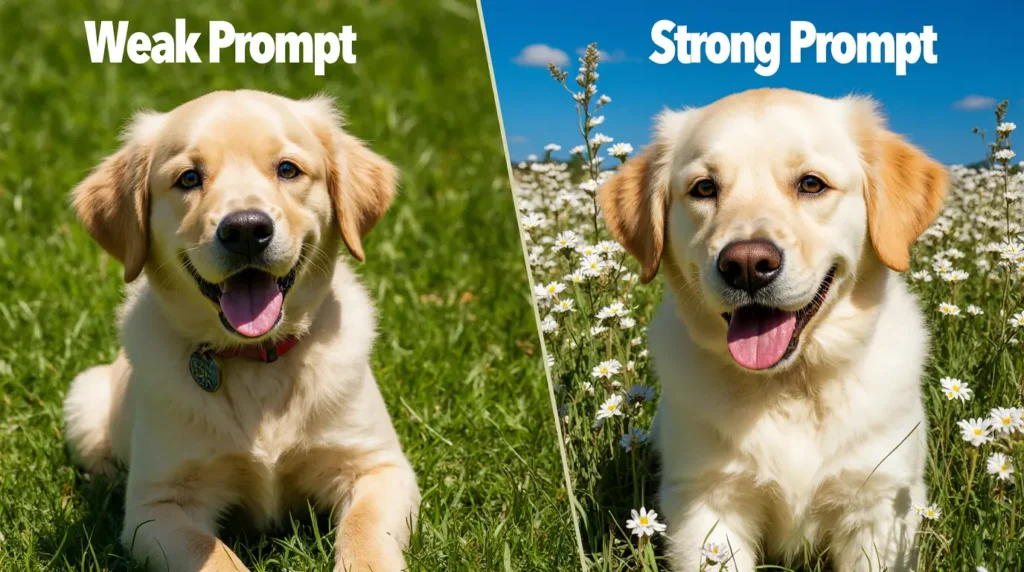
Midjourney documents the aspect-ratio parameter. For example, –ar 16:9 requests a wide ratio and –ar 2:3 a portrait ratio. Check the final dimensions after export. The ratio does not specify a pixel count.
Use reference images with realistic expectations
An image prompt can guide a generation. It does not guarantee exact reproduction. For precise changes, inspect the current Editor workflow and review every important detail. Use material you have permission to upload.
Revise rather than endlessly append
Choose the most important mismatch: subject, crop, lighting, or background. Change that element and compare results against the same brief. Avoid interpreting a pleasing image as proof of a real event, person, test, or product capability.
Finish with a review
- Inspect object shapes, anatomy, text, and unintended branding.
- Check crop and legibility at the intended display size.
- Confirm the actual exported file properties.
- Write alt text from the final image, not the generation prompt.
Open the beginner web tutorial or the logo concept guide.
Sources and editorial approach
Midjourney getting started, web creation, and prompt basics. Reviewed November 4, 2026. Examples and prompts are proposed editorial templates, not first-hand tests or measured performance results.


One Comment
Comments are closed.